
Merciv
Changelog

What's new in Merciv

Updates and improvements, release by release.

1.26

Unified search, bigger uploads, and the viewer everywhere

Search everything from one place

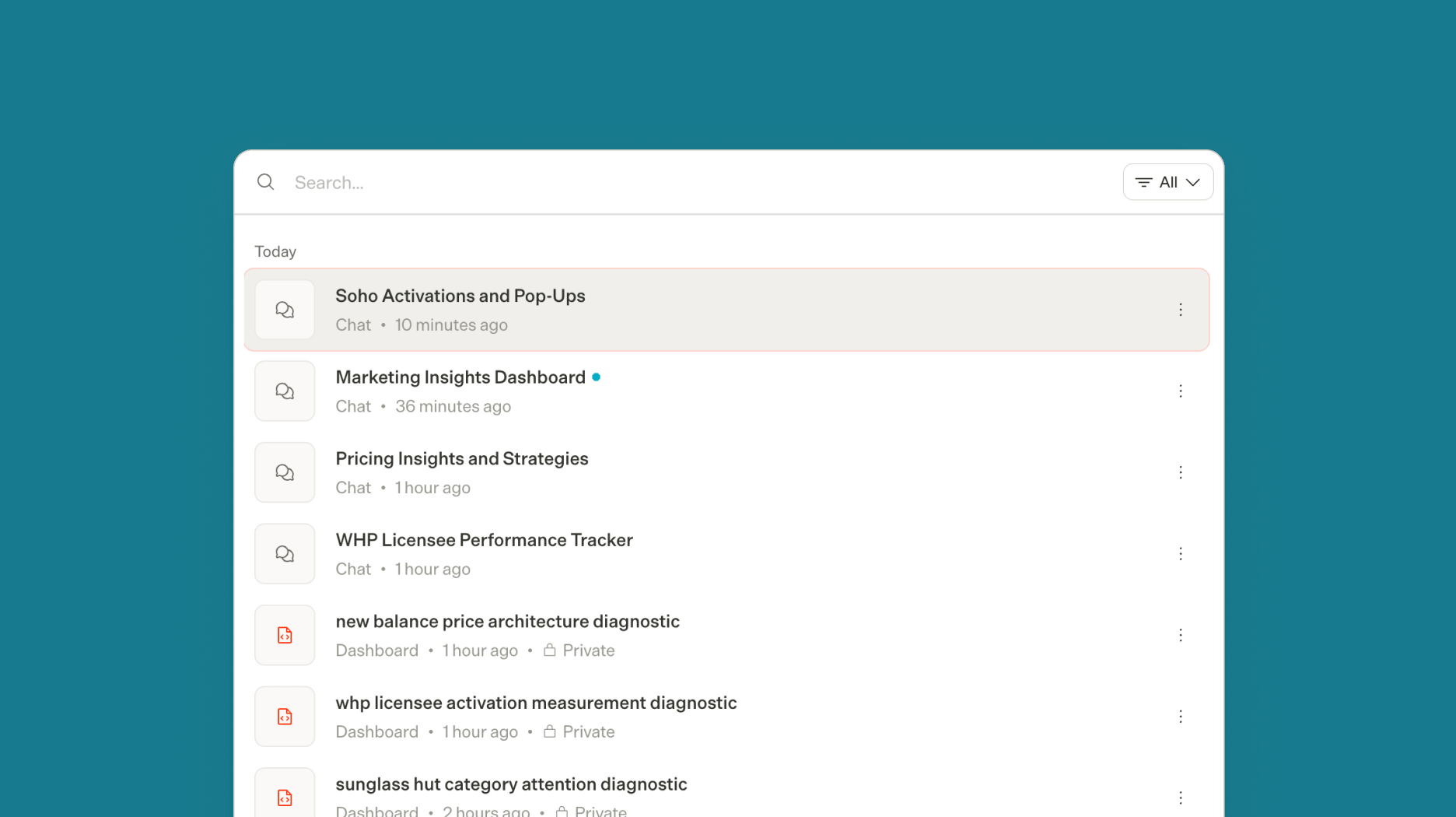
A single search now spans skills, brands, documents, tags, integrations, and playbooks in one ranked, keyboard-navigable list — so everything you can bring into a conversation is a single search away.

A unified global search listing recent chats and dashboards with a filter control

Upload far more at once

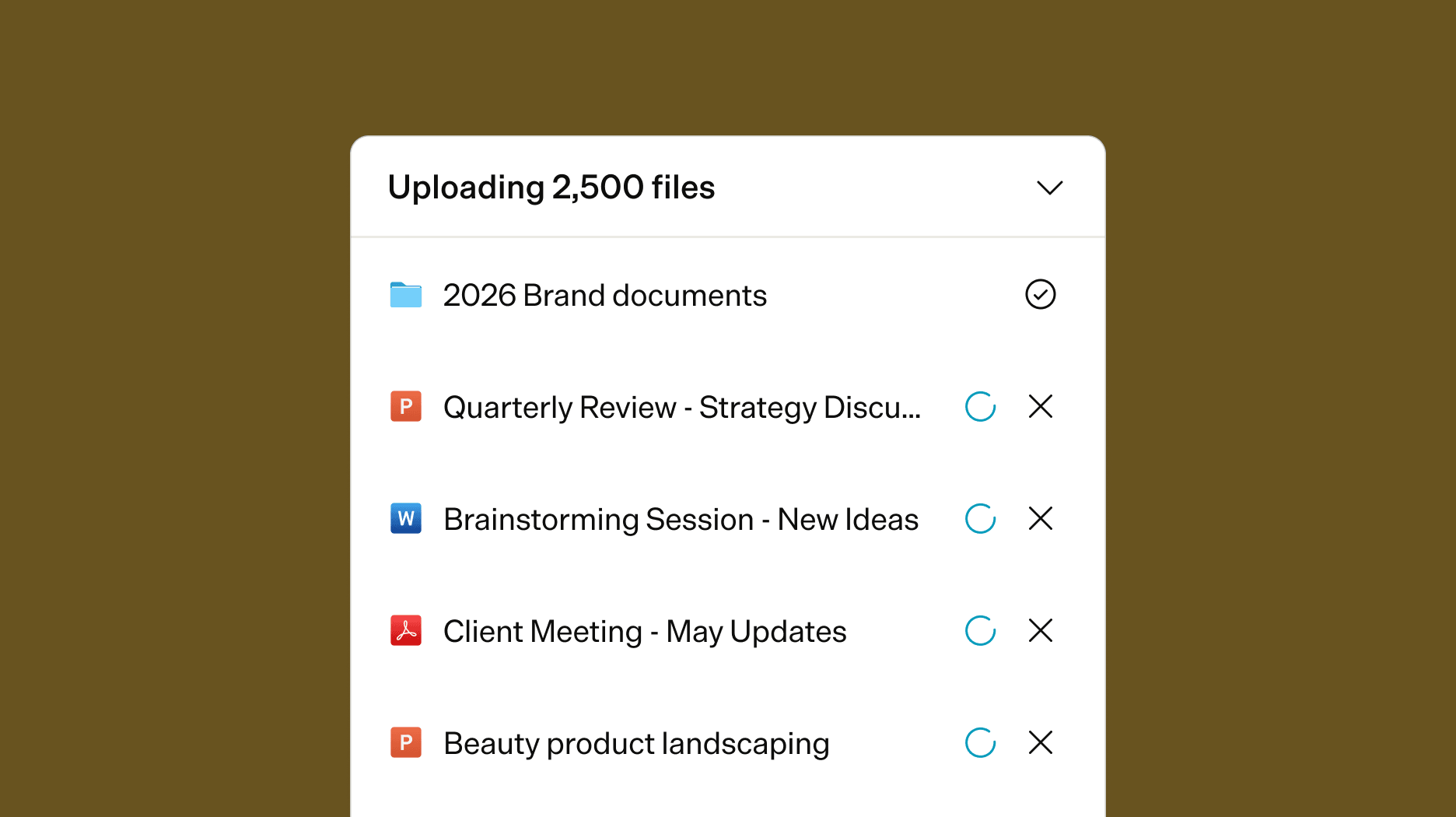
Knowledge Hub uploads now handle up to 2,500 files and 25 GB per batch, with folders nested up to ten levels deep. Large folder uploads stay reliable end to end — failed chunks retry automatically and duplicates are prevented across tabs — and the page stays usable while a big batch is still processing.

The Knowledge Hub uploading a large batch of files with per-file progress

Know when a file fails

Files that fail to process now show a clear Failed state instead of an endless spinner, so you can spot and re-upload a problem file instead of waiting on one that will never finish.

The document viewer, everywhere

Knowledge Hub and citation previews now open in the same focused document viewer as artifacts, with page-by-page keyboard navigation, an animated fullscreen, and a download indicator on artifact cards.

  • Stop now truly cancels an in-flight response — Merciv holds your next message until the interrupted turn has fully stopped, so a quick follow-up never kicks off a second run.
  • Members can now pick teammates in the share dialog — the invite list is no longer empty when you're not an admin.
  • Knowledge filter chips now stay visible in Research and Persona modes.
  • Story cover images are generating again after an upstream image model was retired.
  • Custom skill uploads now allow packages up to 200 MB, so branded templates and assets fit.
  • Deleting a large brand no longer blocks the brand page while it clears.
1.25

A unified command menu, smart tags, and clearer file icons

One menu for commands, sources, and tags

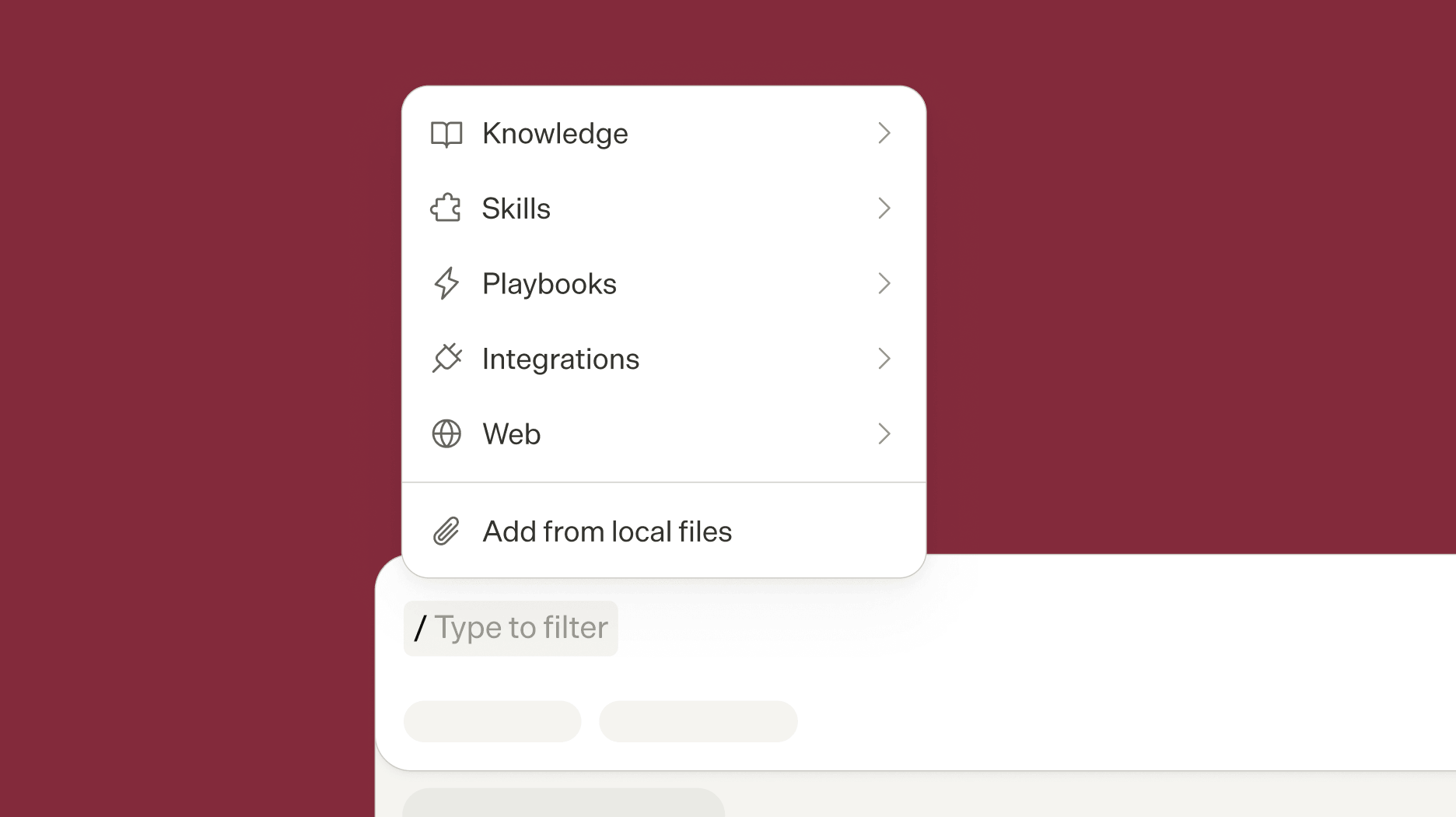
The slash command menu and Add Sources popover are now a single, keyboard-navigable menu. From it you can tag a specific brand, skill, or connector straight into a message to steer how Merciv answers.

The unified slash menu listing commands, sources, skills, brands, and connectors

Clearer file-type icons

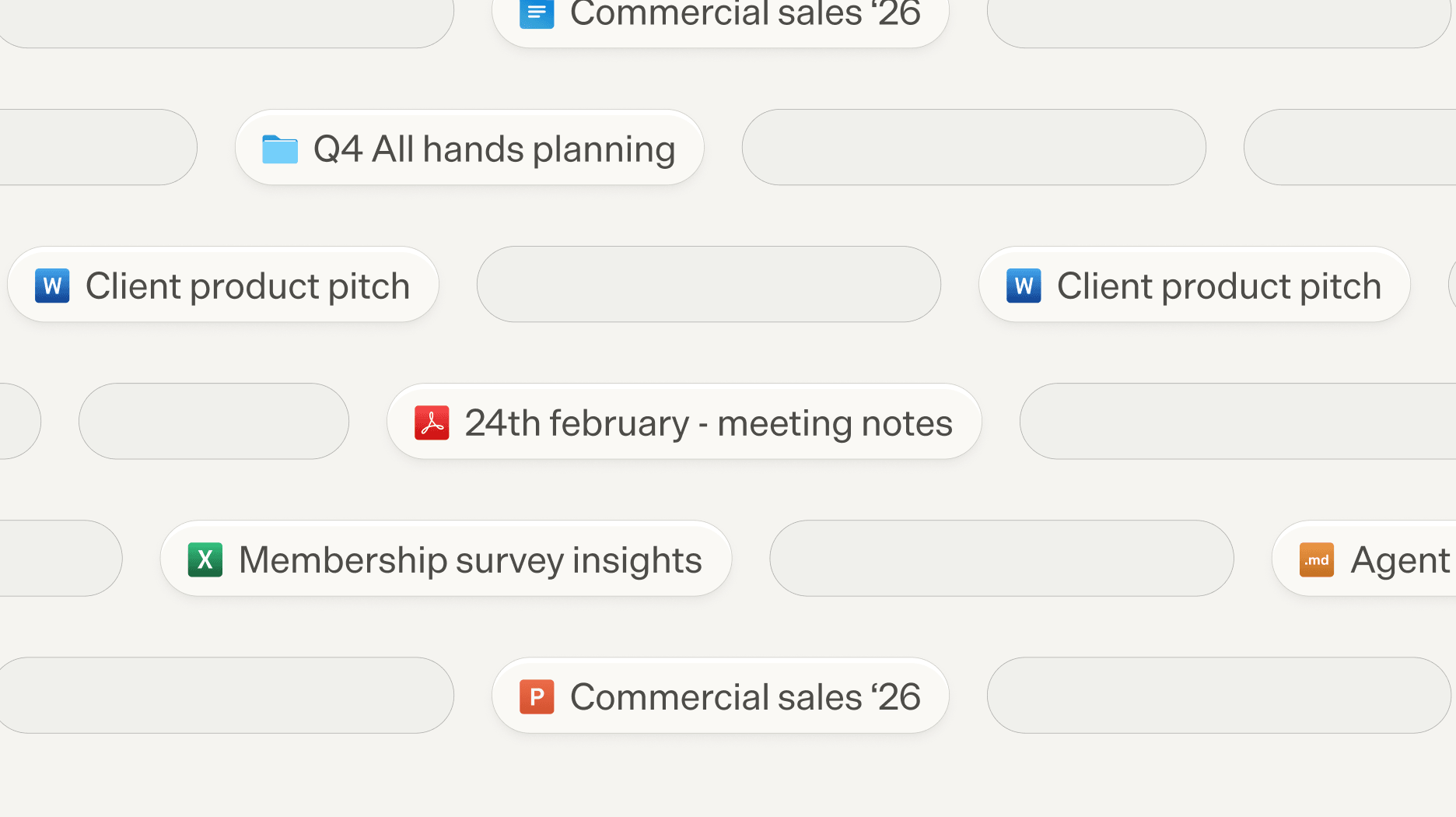
Files now render with refreshed, consistent type tiles across the Knowledge Hub, chat, artifacts, and previews, so PDFs, Word, Excel, and PowerPoint documents are recognizable at a glance — part of a broader refresh of iconography across the app.

Refreshed file-type tiles for Word, Excel, PowerPoint, PDF, folders, and Markdown files
  • Files with special characters or non-Latin names now deliver reliably in chat.
  • Fixed a Knowledge Hub table where row checkboxes could overlap the toolbar while scrolling.
1.24

Delegated research, a Skills library, and a redesigned experience

Deeper research, run in parallel

Early access

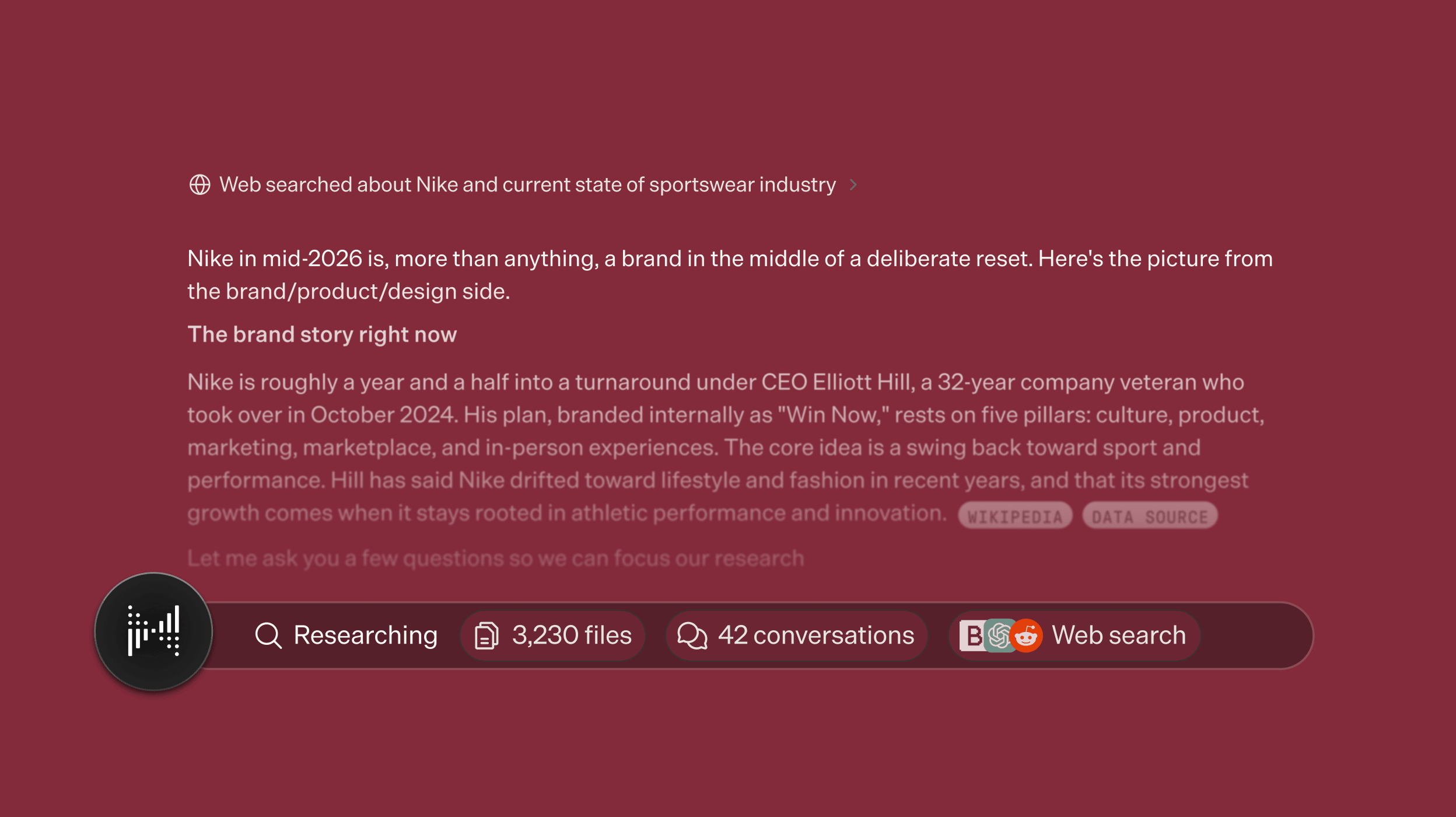
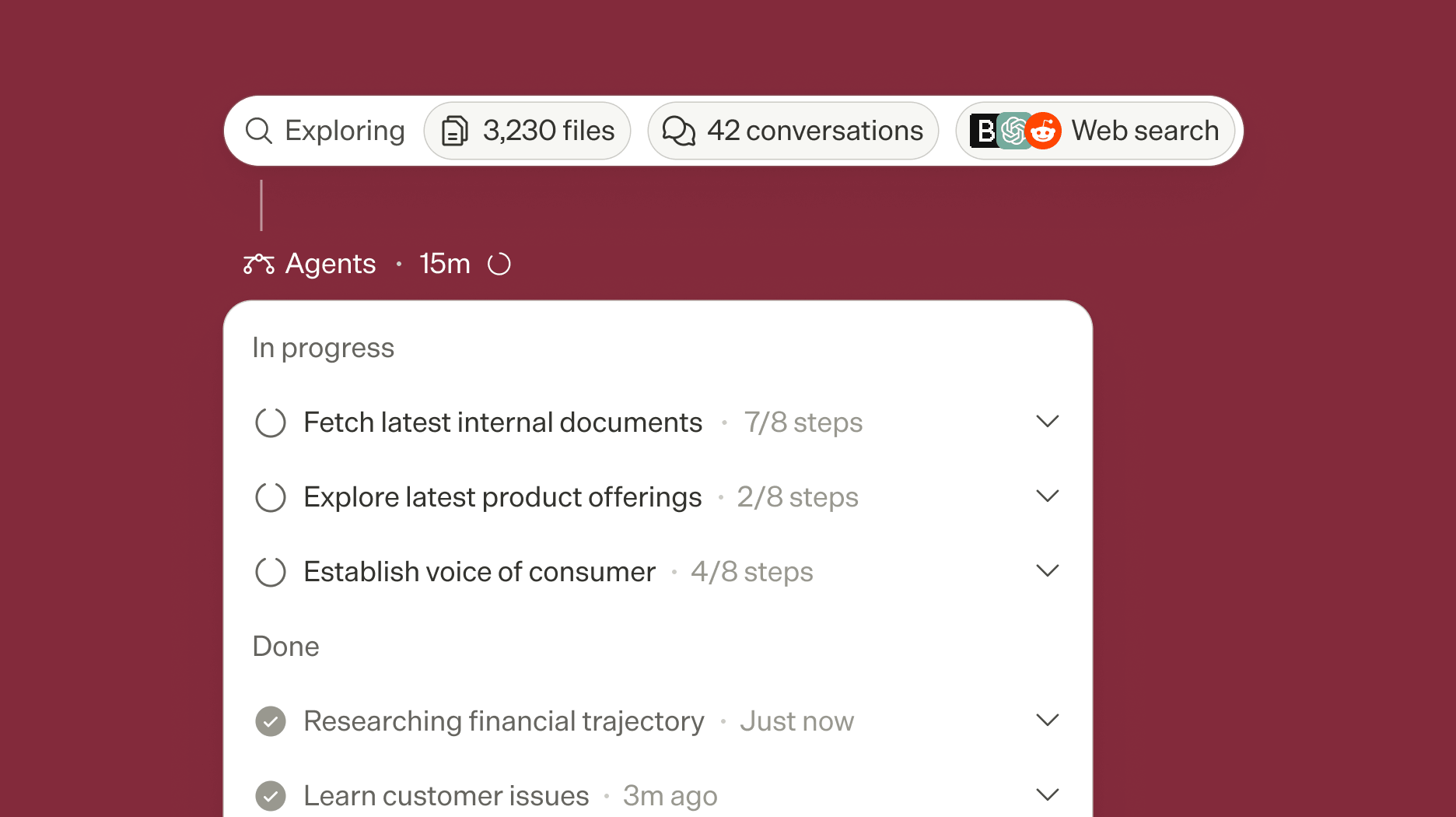
In Research mode, Merciv can now delegate parts of a question to specialized research agents that work in parallel across your knowledge base, market intelligence, the web, and social sources — then bring back a single, fully cited synthesis. You can follow each delegated run as its own activity card as the work happens.

A chat activity timeline showing parallel research subagents nested under a coordinating task

A library of Skills you control

Early access

A new Skills page lets you choose which skills Merciv can use, upload your own custom skills, and share them with teammates. Built-in skills stay on by default, and organization admins can curate the skills available across the org.

A redesigned document viewer

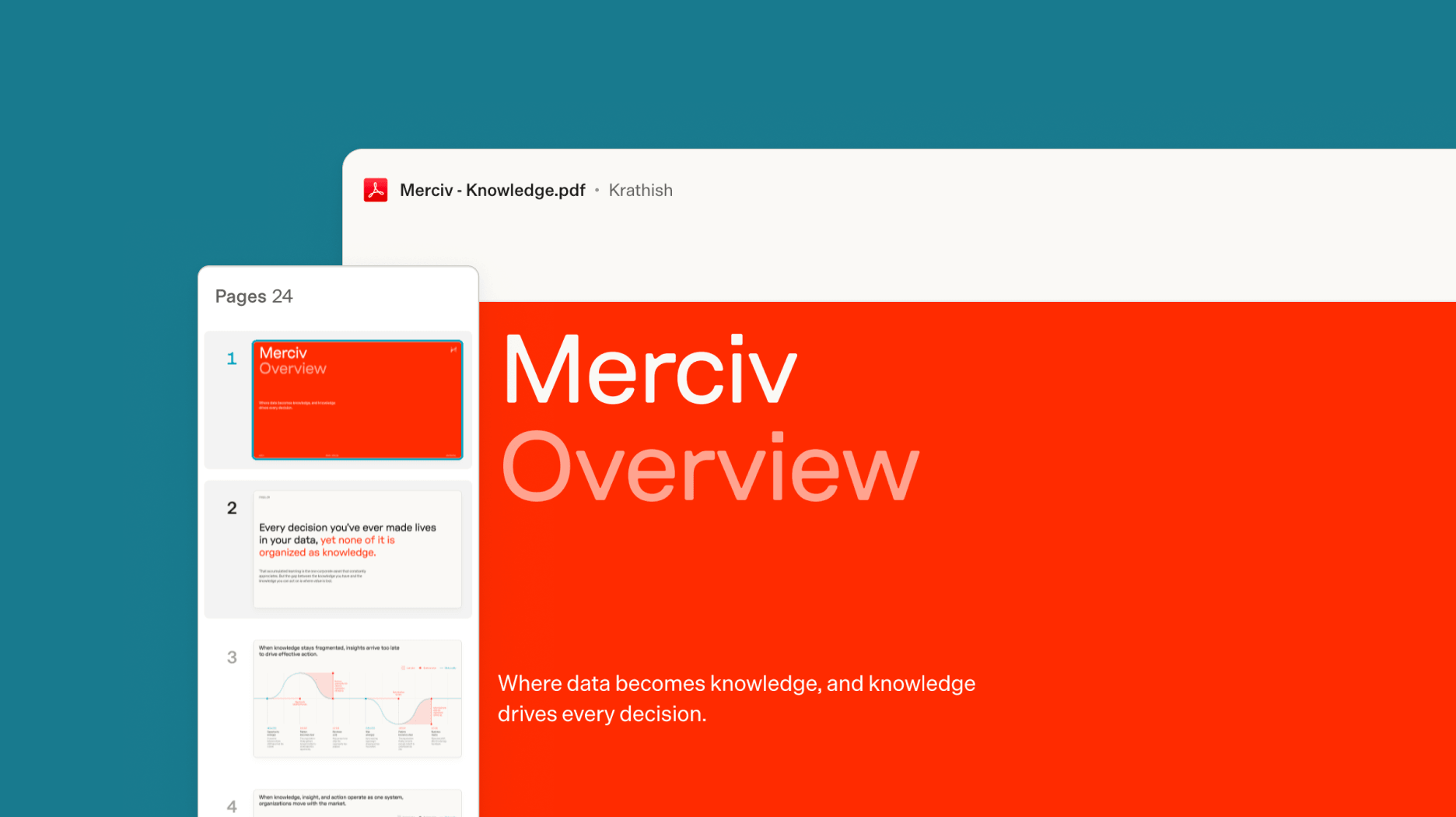
Artifacts and file previews now open in a focused, on-brand viewer — a clean reading surface with a thumbnail rail for quick navigation, simple zoom controls, and version history a click away.

The redesigned document viewer with a thumbnail rail, page controls, and an embedded header

Attachments Merciv reads — and remembers

Attach a PowerPoint or spreadsheet and Merciv now reads its contents to answer, and keeps the file available for the rest of the conversation instead of asking you to upload it again. Files Merciv produces come back as downloadable cards every time, even when the filename has spaces or symbols.

Sync only the folders that matter

When connecting Google Drive, SharePoint, or OneDrive, you can now limit a connection to specific folders or sites instead of ingesting the entire account — so a knowledge base holds only the documents you actually want.

One share experience across everything

Artifacts, stories, reports, and projects now use the same redesigned share modal as the Knowledge Hub — invite collaborators, set roles, manage organization access, and toggle public links from one consistent place.

  • Merciv now runs on the latest generation of frontier models.
  • Edit artifacts by pointing at them — select content, add an instruction, and apply edits.Early access
  • Drag a whole folder into a knowledge base and Merciv preserves its structure as subfolders.
  • Fixed connecting two dozen integrations — including Airtable, Salesforce, Google Ads, Google Drive, Microsoft 365, and Outlook — that could bounce back with a connection error.
  • Fewer unexpected sign-outs: sessions now recover automatically instead of dropping you at the login screen.
  • Faster first load, and connected data sources now refresh automatically on a schedule.
  • Your chat messages now appear as compact, right-aligned bubbles, making conversations easier to scan.
  • More complete Walmart and Target review coverage in brand analysis.
  • Owners of a private knowledge base can delete their own bases and files without needing admin rights.
  • Clearer upload progress, per-file processing status, and a larger drop zone in the Knowledge Hub.
  • Restored citations on published stories and hardened scheduled tracker runs.
  • Polish throughout: guided empty states for Projects and Playbooks, a cleaner announcement banner, better dark-mode legibility, wrapping multiple-choice options, and a fix for reports that failed to open.
1.21.2

OneDrive and SharePoint connections, org-wide knowledge bases

Connect OneDrive and SharePoint

OneDrive and SharePoint join the list of supported data sources, so research living in Microsoft 365 flows straight into your knowledge base.

Manage every connection in one place

A new connections page in Settings gives admins one place to connect, review, and manage every integrated data source.

Organization-wide knowledge bases

Admins can now manage knowledge bases scoped to the entire organization, so shared context is governed in one place while sharing stays permission-aware.

Larger files from analysis

Analyses can now return files up to 100 MB, so full datasets and rich exports come back intact instead of truncated.

  • Download documents directly from a selection in the Knowledge Hub.
  • Dedicated pages for error states, so interruptions are clear and recoverable.
  • File extensions stay out of the way when renaming files and artifacts.
1.21.1

Introducing Personas & Panels

Personas & Panels (v1)

The first release of Personas & Panels is here. Build personas that represent your key audiences and put questions to them as a panel — grounded in the knowledge your workspace already holds — to pressure-test positioning, concepts, and messaging before they reach the market.

Faster spreadsheet processing

Large CSV and Excel files now run through a dedicated processing pipeline, making uploads faster and more reliable.

  • Clearer button labels throughout the product.
  • Dark-mode and layout polish in the knowledge base and share modals.
1.21.0

A redesigned Knowledge Hub

Knowledge Hub, redesigned

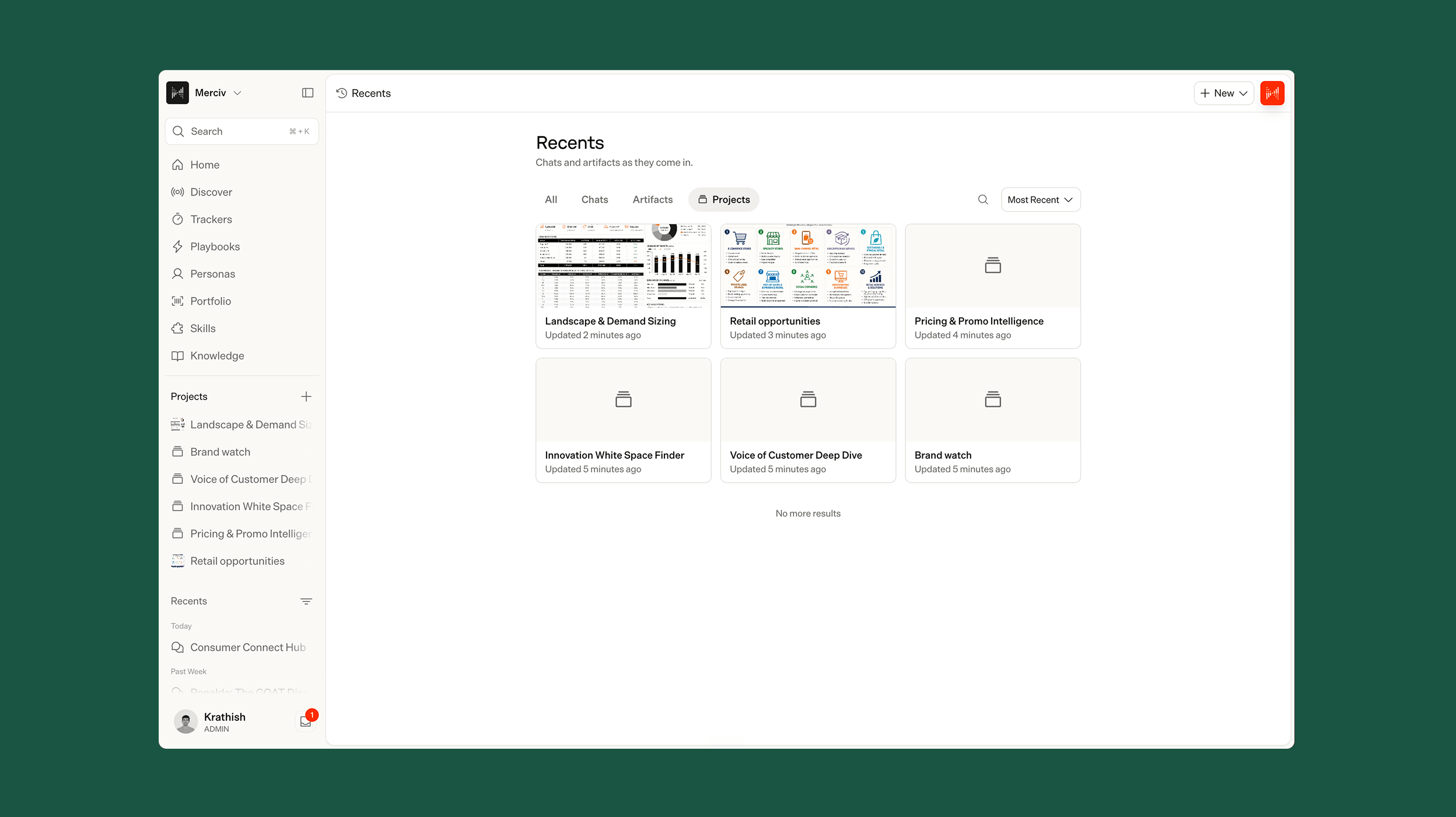
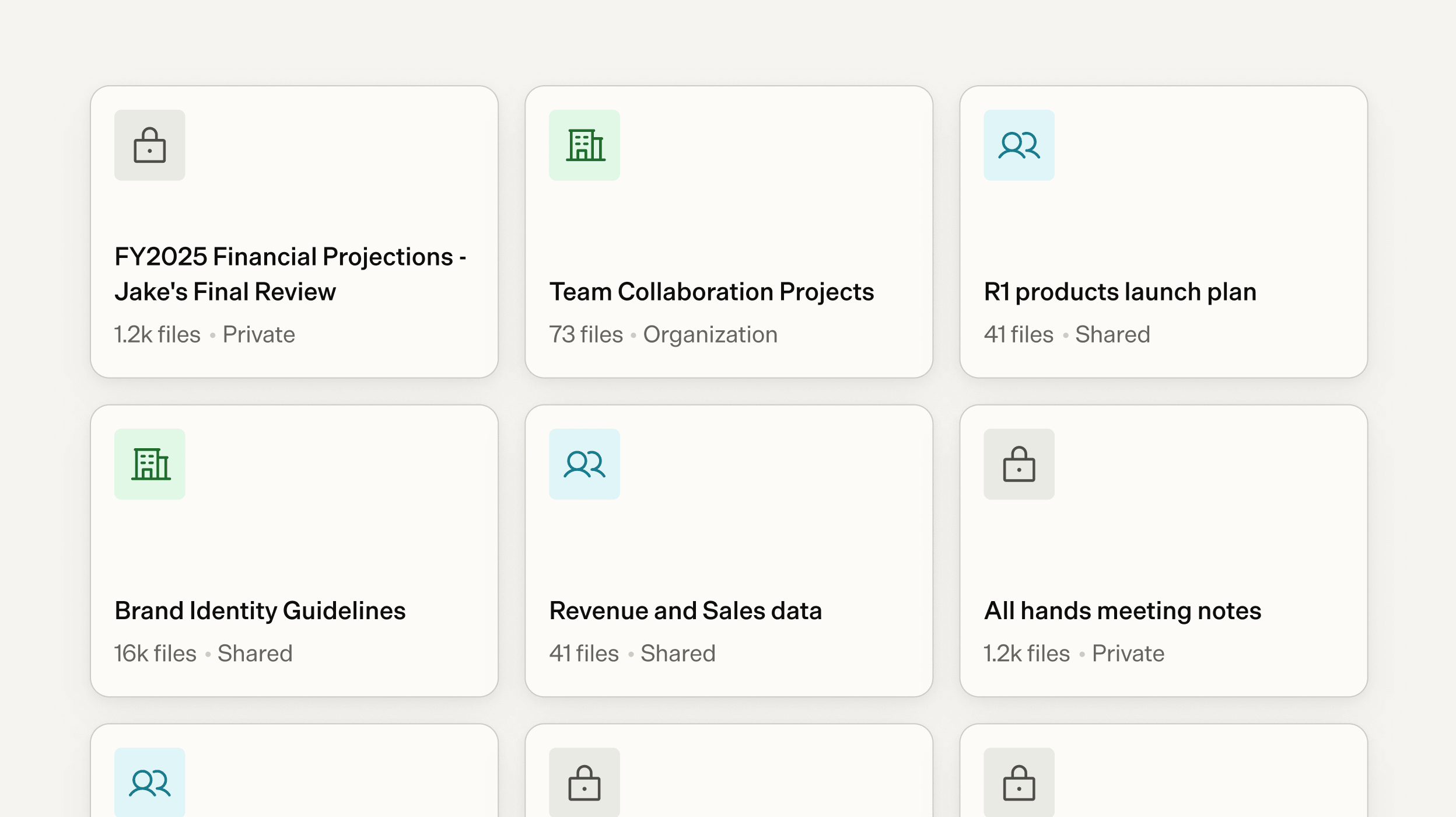
The Knowledge Hub has been rebuilt around how teams actually organize research: clearer structure, refined sharing, and thoughtful empty states that guide new workspaces. Anyone can create a knowledge base, and permissions govern the rest — admins can promote a base to the entire organization, and sharing always respects who is allowed to see what.

The redesigned Knowledge Hub showing private, organization, and shared knowledge bases as cards

More reliable analysis of structured data

Tabular data now flows through a typed analysis pipeline from upload to answer, so your numbers keep their meaning at every step.

Refreshed notifications

In-app notifications have been redesigned with a cleaner, warmer look that stays out of your way.

  • Documents can be removed even while they are still processing.
  • Chat reliability fixes across history, answer selection, canvas versioning, and code streaming.
  • Dark-mode consistency and text contrast improvements across the app.
  • Smoother edges on horizontally scrolling content.
1.20.1

Portfolio drill-downs and public artifact links

Drill into your portfolio

Portfolio views now support level-by-level drill-downs with images, counts, and search at every step, making it faster to move from a market-level view down to a single product.

  • JSON files are now supported in uploads.
  • Transient errors during analysis are retried automatically.
1.20.0

Collaborative artifacts, live agent activity, and story sharing

Edit artifacts together, with version history

Artifacts — including tables — now support collaborative editing with full versioning. Work on the same output as a team, and step back through every version when you need to compare or recover an earlier state.

Watch the work happen

Merciv now streams its actions as it works, so you can follow each step of an analysis in real time instead of waiting on a spinner.

Share stories with stakeholders

Stories can now be shared directly with the people who need them, with citations that hold up outside your workspace.

  • Projects now carry descriptions, so shared workspaces explain themselves.
  • A consistent branded loading experience across the app.
  • Reduced redundant network calls for a snappier feel throughout.
  • Typography consistency across every surface.
1.19.0

Quality and reliability

A focused release on the details across chat, reports, and document processing.

  • Cleaner tables in chat answers — internal ID columns no longer appear.
  • Fixes to report titles, sharing icons, and source pills.
  • Faster, more reliable processing for large documents.
1.18.0

Unified sharing, source controls, and memory

One sharing model across your workspace

Projects, reports, and folders now share a single, consistent permissions model. Set access once and it applies cleanly through nested folders — with bulk updates when you need to change access for many items at once.

Control exactly which sources answer

A new source scope filter lets you decide what evidence a question draws from — including switching web sources off entirely for internal-only analysis.

Merciv remembers

Merciv now recalls relevant context from your previous conversations, so follow-up work builds on what it already knows about your business instead of starting from zero.

Better on mobile

Files and artifacts are now fully usable on mobile, and signing in from in-app browsers works smoothly.

  • Chat sessions are only saved once you send a message — no more empty conversations.
  • Sturdier processing for unusual file encodings and very large uploads.
1.17.2

Reliability patch

Fixes an error that could interrupt long-running agent conversations.

1.17.1

Polish and fixes

  • Side panels close automatically when you open another.
  • Filters on smart widgets now correctly follow their chat session.
  • Download links for generated files stay valid longer.
1.17.0

Playbooks, upgraded models, and analysis at scale

Introducing Playbooks

Turn your team’s recurring research motions into Playbooks — guided, repeatable workflows that run directly in chat. Codify how your best analysts work once, then let anyone on the team run it.

Deeper analysis across large document sets

Merciv can now reason across far larger collections of documents in a single question, synthesizing an answer from everything relevant rather than a narrow slice.

Upgraded models

The platform now runs on the latest generation of frontier models, improving reasoning quality and reliability across every workflow.

  • Public reports no longer expose underlying files to anonymous viewers.
  • Uploads to the Knowledge Hub are protected against accidental modal closes and page refreshes.